
Reducing screen fatigue
23/02/2026
Understanding Screen Fatigue
Screen fatigue, often referred to as digital eye strain, is a common condition that affects individuals who spend extended periods in front of digital screens such as computers, smartphones, and tablets. This modern phenomenon has become increasingly prevalent due to the rise of digital technology in both professional and personal environments. It encompasses a range of symptoms that arise from prolonged screen use, impacting both eye health and overall well-being.
The symptoms of screen fatigue can vary, but some of the most common include eye discomfort, dryness, irritation, and blurred vision. Users may also experience headaches, neck and shoulder pain, and increased sensitivity to light. These symptoms collectively contribute to discomfort and reduced productivity, making it crucial to recognize and address screen fatigue early.
The primary causes of screen fatigue are closely related to the way we engage with digital devices. Extended staring at screens without sufficient breaks forces our eyes to focus for extended periods, leading to strain on the eye muscles. The constant exposure to blue light emitted by digital screens can also contribute to eye discomfort and disrupt circadian rhythms, affecting sleep quality.
Another significant factor contributing to screen fatigue is poor ergonomic setup. Improper screen distance, angle, and lighting conditions can cause the eyes to work harder to see clearly, escalating digital eye strain. Furthermore, reduced blinking rate while focusing on screens results in dry and irritated eyes, aggravating symptoms.
Understanding the causes and symptoms of screen fatigue is vital in implementing effective strategies to mitigate its effects. By recognizing the signs early and adjusting habits and environments accordingly, individuals can protect their vision and enhance their comfort during prolonged digital device use.
Common Symptoms of Screen Fatigue
Screen fatigue often manifests through a variety of physical and mental symptoms that signal the need to take a break. One of the most prevalent physical signs is eye strain, characterized by discomfort, tiredness, or soreness in the eyes after extended periods of screen exposure. This strain can lead to difficulty focusing and sensitivity to light. Another common symptom is frequent headaches, which may arise from the strain on eye muscles or poor posture during screen use. These headaches can range from mild to severe and significantly affect productivity.
Screen fatigue can cause blurred vision, a condition that arises from extended periods of focusing on digital screens without taking sufficient breaks, making it hard to see clearly at different distances and potentially leading to double vision or trouble reading text. Furthermore, people often suffer from dry eyes due to the fact that staring at screens decreases the blink rate, resulting in less moisture and lubrication in the eyes, which can be accompanied by dryness, irritation, and a gritty sensation, as described in [[L0]].
Mental symptoms are also common and include difficulty concentrating, increased feelings of stress, and general fatigue. Recognizing these signs early can help prevent more serious issues related to prolonged screen time and promote healthier screen habits.
Root Causes Behind Digital Eye Strain
Digital eye strain, commonly experienced as screen fatigue, stems from several root causes that affect our eyes and overall comfort. One of the primary contributors is prolonged exposure to blue light emitted by screens. Blue light penetrates deep into the eye, potentially causing discomfort, dryness, and even disrupting sleep patterns by interfering with melatonin production.
Poor lighting conditions further exacerbate eye strain. Working in dim or harsh lighting environments makes it difficult for the eyes to adjust properly, leading to increased fatigue. For instance, overly bright lights or an absence of adequate ambient light can force the eyes to work harder to focus on the screen, causing discomfort and headaches.
Screen glare is another significant factor. Reflections on screens from windows, overhead lights, or other sources create glare, which forces the eyes to constantly adjust to varying light intensities. This constant adjustment tires the eye muscles and contributes to strain and fatigue.
Extended screen time without breaks intensifies these issues. Staring at a screen continuously reduces blink rates, leading to dry and irritated eyes. Prolonged screen use also strains the eye muscles as they maintain focus on fixed distances, resulting in discomfort. Managing screen habits by taking regular breaks and optimizing the lighting setup can alleviate much of the digital eye strain commonly associated with modern screen use.
Effective Strategies to Reduce Screen Fatigue
Screen fatigue can significantly impact your productivity and comfort, especially during long hours of work or gaming. To effectively reduce eye strain and maintain your well-being, implementing practical tips and routines is essential.
One of the simplest yet most effective strategies is to take regular screen breaks. Following the 20-20-20 rule, every 20 minutes, look at something 20 feet away for at least 20 seconds. This practice helps relax the eye muscles and reduces the buildup of strain caused by continuous focus on digital screens.
Another key element to reduce eye strain is setting up an ergonomic workspace. Position your screen at eye level, about 20-30 inches away from your face, and ensure proper lighting to avoid glare. An ergonomic setup not only protects your eyes but also promotes better posture, reducing overall physical stress during extended screen time.
Incorporating simple eye exercises into your daily routine can further alleviate discomfort. Exercises such as blinking frequently, rolling your eyes in circular motions, and focusing on near and far objects help keep your eyes flexible and moist. These routines improve blood circulation and reduce dryness, which often accompanies prolonged screen use.
Additionally, adjusting the display settings on your devices can make a significant difference. Lower screen brightness to a comfortable level, increase text size for easier reading, and use blue light filters or night mode to lessen the harsh impact of screen glare on your eyes.
Combining these strategies—taking screen breaks, maintaining an ergonomic setup, practicing eye exercises, and optimizing screen settings—creates a comprehensive approach to reducing screen fatigue. Adopting these habits not only protects your vision but also enhances your focus and comfort during work or gaming sessions.
Ergonomic Adjustments for Comfort
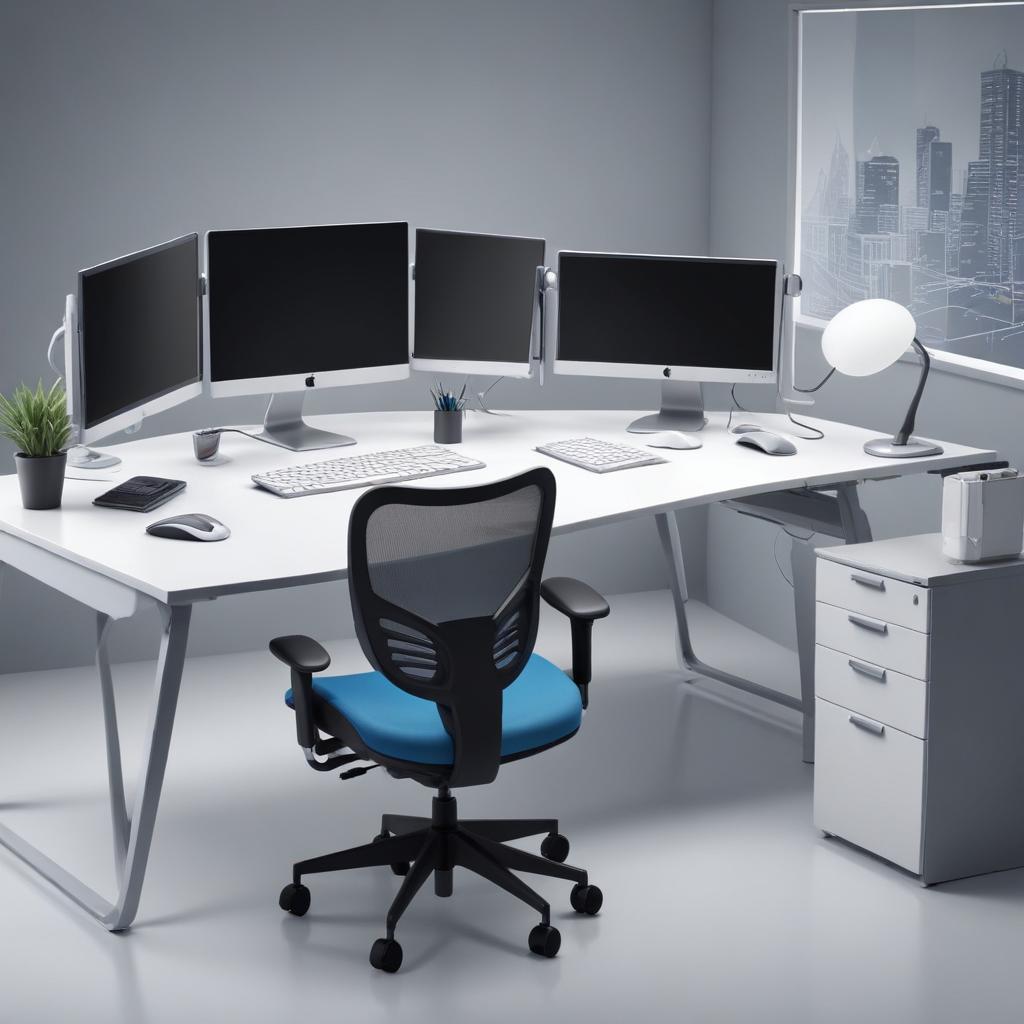
Optimizing your ergonomic desk setup is essential for reducing screen fatigue and improving overall comfort during long hours of computer use. Start by positioning your monitor at eye level so that the top of the screen is at or slightly below your natural line of sight. This helps avoid straining your neck and shoulders and promotes better posture throughout the day.
Maintaining proper posture is equally important. Sit with your back straight, shoulders relaxed, and feet flat on the floor. Use a chair that supports your lower back to prevent slouching. Adjust your desk height so that your forearms are parallel to the floor when typing, reducing strain on your wrists and arms.
Lighting adjustments play a critical role in easing eye strain. Ensure that your workspace is well lit with soft, ambient lighting that minimizes glare on your screen. Position your monitor perpendicular to windows or light sources to reduce reflections. If necessary, use a desk lamp with adjustable brightness to illuminate your work area without causing harsh contrasts or flickering.
Small changes, such as using an anti-glare screen protector or adjusting your screen’s brightness and contrast to comfortable levels, can also significantly reduce eye fatigue. By combining these ergonomic desk setup tips with mindful breaks, you can create a more comfortable and productive workspace that supports your eye health and overall well-being.
Incorporating Screen Breaks and Eye Exercises
Regular breaks from screen time are essential for maintaining eye health and reducing screen fatigue. The 20-20-20 rule is a simple yet effective method to give your eyes a much-needed rest: every 20 minutes, look at something 20 feet away for at least 20 seconds. This practice helps relax the eye muscles that become strained from focusing on close objects like screens.
In addition to following the 20-20-20 rule, scheduling breaks throughout your workday can greatly improve comfort and reduce eye strain. Short, frequent breaks encourage your eyes to reset and prevent long periods of continuous focus on digital devices. During these pauses, gentle stretching exercises for your neck, shoulders, and back can also alleviate physical tension that contributes to overall fatigue.
Good eye‑relaxation habits involve blinking often to keep the eyes moist and performing simple drills such as rotating the eyes in circles or alternating focus between near and distant objects. These actions boost blood flow to the eye muscles and ease stiffness. Adding them to your daily routine can markedly improve eye comfort and lessen the negative effects of extended screen use.
Tools and Technologies to Combat Screen Fatigue
Screen fatigue is becoming an increasingly common concern in our digital age, but the good news is there are many effective tools and technologies available to help reduce its impact. By utilizing these devices and software solutions, you can significantly lessen eye strain, reduce screen glare, and protect your vision during long hours in front of digital screens.
One of the most popular hardware solutions for combating screen fatigue is the use of blue light filters. Blue light emitted by screens can disrupt sleep patterns and cause eye discomfort. Many monitors now come with built-in blue light filtering capabilities, or you can purchase screen protectors that specifically block harmful blue light wavelengths. These filters help minimize digital eye strain and improve overall comfort when viewing screens for extended periods.
Anti-glare screens are another excellent tool to reduce eye fatigue. These overlays or matte finish screens help diminish reflections and glare from ambient lighting, which can cause users to squint or strain their eyes. Using an anti-glare screen protector on your laptop, tablet, or smartphone can make a big difference, especially in brightly lit environments or when working near windows with natural sunlight.
Screen dimmers and adjustable brightness controls are also vital technologies in managing screen fatigue. Bright screens in dim or low-light rooms create a harsh contrast that strains the eyes. Many devices now include automatic brightness adjustment features that adapt to surrounding lighting conditions to keep your screen comfortable to look at. Additionally, third-party software tools allow users to manually or automatically adjust the screen brightness and contrast to suit their needs throughout the day.
Software tools designed to reduce eye strain are a key element in this battle against screen fatigue. Programs like f.lux or built-in night mode settings on smartphones and computers shift your screen colors toward warmer tones during the evening hours. This reduces blue light exposure and makes looking at your screen less taxing on the eyes. These apps often include customizable settings so you can tailor how and when they operate to best fit your lifestyle.
Ultimately, utilizing a blend of physical aids like blue light filters, anti-glare protectors, and screen dimmers, combined with applications that modify color and luminance, can significantly reduce the effects of digital eye strain. Adopting these technologies safeguards your vision while simultaneously boosting your comfort and efficiency during extended sessions in front of a display.
Blue Light Filtering Solutions
To protect your eyes from the harmful effects of blue light emitted by screens, several effective blue light filtering tools are available. Blue light glasses are a popular option; these specially designed lenses filter out blue light, reducing eye strain and improving comfort during prolonged screen use. Wearing these glasses can be especially beneficial during evening hours when exposure to blue light can disrupt the natural sleep cycle.
In addition to glasses, screen filters are practical solutions that can be applied directly to monitors and mobile devices. These physical filters block or minimize blue light emission without affecting screen clarity, offering an easy and non-intrusive way to safeguard your vision throughout the day.
Many devices also include software-based settings such as night mode or blue light reduction modes. These features adjust the color temperature of the display by reducing blue light emissions and increasing warmer tones like amber and red. Activating night mode in the evening hours can help lessen eye fatigue and promote healthier sleep patterns by mimicking natural light conditions.
Combining blue light glasses, screen filters, and software settings like night mode and color temperature adjustments can create a comprehensive approach to minimizing screen fatigue and protecting eye health, whether you’re working, gaming, or browsing.
Screen Adjustment Technologies
Modern devices and monitors are equipped with advanced screen adjustment technologies designed to reduce screen fatigue by minimizing glare and optimizing brightness levels. One common feature is the anti-glare screen, which uses a special coating on the display surface to diffuse reflected light, making it easier on the eyes in bright environments and reducing eye strain caused by reflections.
In addition to anti-glare coatings, many devices also offer brightness control options. Users can manually adjust the brightness to comfortable levels that suit different lighting conditions, which helps in preventing excessive eye fatigue during prolonged screen use. To enhance this experience, some devices include automatic dimmers that adjust screen brightness based on ambient light detected by built-in sensors. These automatic adjustments help maintain optimal screen visibility without causing discomfort from sudden changes in brightness.
Furthermore, adaptive lighting technology goes beyond simple brightness adjustment by dynamically modifying color temperature and luminance based on the time of day or environment. This feature helps reduce the blue light emission during evening hours, which can interfere with sleep patterns and contribute to eye fatigue. Together, these screen adjustment technologies create a user-friendly viewing experience that can significantly reduce the impact of screen fatigue over extended usage periods.

Having spent the last decade navigating the ups and downs of strength training and mindful living, I am passionate about sharing practical strategies for holistic male wellness. My focus is on balancing physical resilience with mental clarity, drawing from personal experience to help men lead more purposeful lives.